
Works in Paro
Paro is where most visitors to Bhutan head first. The plan connects there and in the other main towns on TashiCell.



No plan of that length. Pick another.
No plan of that length. Pick another.
Lite gives you 1 GB a day at full speed and Heavy gives you 3 GB. After that the plan keeps working at a reduced speed until the next day.
What the plan you picked above includes.
Paro is where most visitors to Bhutan head first. The plan connects there and in the other main towns on TashiCell.
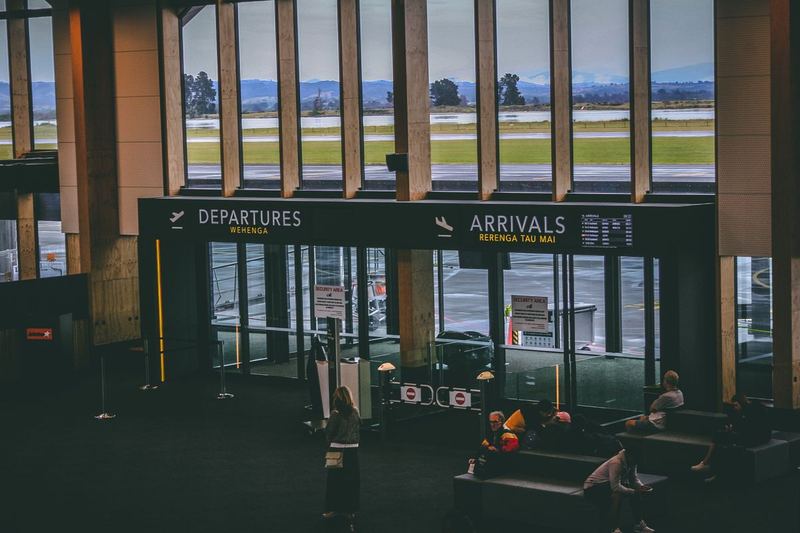
No pocket Wi-Fi or SIM counter to find when you land in Bhutan, and nothing to return before you fly home. The eSIM is installed before you leave.

Hotspot is allowed on the plan selected above, so a second device can use the same data in a cafe or a hotel room.
Your phone must be eSIM compatible and not locked to one carrier.
Scan the QR code on WiFi before you fly. Your days do not start yet.
Choose the RoamZivo line for mobile data and turn on data roaming for it.
Watch your data in My eSIMs and top up the same eSIM if you need more.
A Bhutan eSIM from RoamZivo is a prepaid data plan for Bhutan that you install before you fly. Plans in Bhutan run on TashiCell, on 3G/4G. The eSIM is data only, so your own SIM stays in for calls and texts.
There are 16 plans to choose from. Data sizes run from 1 GB to 20 GB, validity from 1 to 30 days, and prices start at $5.99. Unlimited plans are listed too, each with its own fair use line. Hotspot sharing is supported on every plan. Top ups are available on the fixed data plans and go onto the same eSIM.
Visiting more than one country? The South Asia eSIM covers Bhutan and 5 other countries on one plan, from $3.99.
Your days start the first time the eSIM connects in Bhutan, not when you buy, so you can install it at home days early. For a week of maps, messaging and social apps, most travellers are fine with 3 to 5 GB. Video calls or streaming need more, or an unlimited plan. Travel data in Bhutan from RoamZivo arrives as a QR code by email, with a copy kept in your account.
It connects wherever TashiCell has signal, which is the same network local customers use. The eSIM is data only.
On the first connection in Bhutan, not at purchase. The plan selected above (3 GB) runs for 30 days from that moment. You can install the eSIM at home and the clock stays still until you connect.
No. The eSIM is data only. Your own SIM stays in for calls and texts, and WhatsApp keeps working over the eSIM data.
Yes. Hotspot sharing is supported on the plan selected above, so your laptop or tablet can use the eSIM data through your phone.
Your phone will use TashiCell in Bhutan. It is the only operator on these plans and is listed as 4G. All Bhutan plans are labelled 3G/4G, so the phone may show 3G where 4G is not available.
5 GB is enough for two weeks in Bhutan if you use data for maps, messages, email and a few photos a day. Daily video or hotspot use will run through it faster. The 5 GB plan lasts 30 days, so you have slack on time even if the trip grows.
No, none of our regional plans include Bhutan at the moment. You need the Bhutan plan for your days there. If the same trip includes other countries, buy a separate eSIM for those and keep both installed on the phone.
Yes, install it at home over WiFi before you travel to Bhutan. Installing does not start the plan. The days only begin when the eSIM first connects to the network in Bhutan, so early setup costs you nothing.
You can use it on any tablet that supports eSIM and is carrier unlocked. The eSIM installs on one device, so decide where you want it first. If it sits on your phone, hotspot is allowed on all Bhutan plans and can feed the tablet.
The most likely reason is that you have used the daily full speed amount. Unlimited plans in Bhutan give 1 GB or 3 GB per day at full speed, then at most 1 Mbps until the next day. It can also happen where the phone falls back to 3G.
Some Bhutan plans support top up and some do not. On a plan with top up you add data to the same eSIM without installing anything new. On a plan without it, you buy another plan when the first one runs out.
Open My eSIMs, pick this eSIM and choose a top up. It goes onto the same eSIM, so there is no new QR code to scan.