
Works in Stockholm
Stockholm is where most visitors to Sweden head first. The plan connects there and in the other main towns on 3, Telia and Telenor.



No plan of that length. Pick another.
No plan of that length. Pick another.
Lite gives you 1 GB a day at full speed and Heavy gives you 3 GB. After that the plan keeps working at a reduced speed until the next day.
What the plan you picked above includes.
Stockholm is where most visitors to Sweden head first. The plan connects there and in the other main towns on 3, Telia and Telenor.
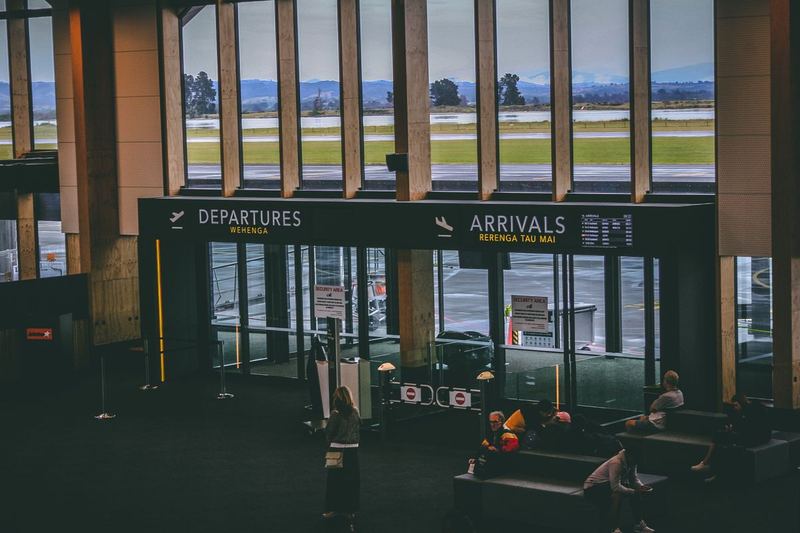
No pocket Wi-Fi or SIM counter to find when you land in Sweden, and nothing to return before you fly home. The eSIM is installed before you leave.

Hotspot is allowed on the plan selected above, so a second device can use the same data in a cafe or a hotel room.
Your phone must be eSIM compatible and not locked to one carrier.
Scan the QR code on WiFi before you fly. Your days do not start yet.
Choose the RoamZivo line for mobile data and turn on data roaming for it.
Watch your data in My eSIMs and top up the same eSIM if you need more.
A Sweden eSIM from RoamZivo is a prepaid data plan for Sweden that you install before you fly. Plans in Sweden run on 3, Telia and Telenor, with 5G where the operator offers it. The eSIM is data only, so your own SIM stays in for calls and texts.
There are 18 plans to choose from. Data sizes run from 1 GB to 10 GB, validity from 1 to 30 days, and prices start at $1.99. Unlimited plans are listed too, each with its own fair use line. Hotspot sharing is supported on every plan. Top ups are available on the fixed data plans and go onto the same eSIM.
Visiting more than one country? The Europe eSIM covers Sweden and 33 other countries on one plan, from $1.99. The Global eSIM covers Sweden and 126 other countries on one plan, from $18.99.
Your days start the first time the eSIM connects in Sweden, not when you buy, so you can install it at home days early. For a week of maps, messaging and social apps, most travellers are fine with 3 to 5 GB. Video calls or streaming need more, or an unlimited plan. Travel data in Sweden from RoamZivo arrives as a QR code by email, with a copy kept in your account.
It connects wherever 3, Telia and Telenor have signal, which is the same network local customers use. The eSIM is data only.
On the first connection in Sweden, not at purchase. The plan selected above (3 GB) runs for 1 day from that moment. You can install the eSIM at home and the clock stays still until you connect.
No. The eSIM is data only. Your own SIM stays in for calls and texts, and WhatsApp keeps working over the eSIM data.
Yes. Hotspot sharing is supported on the plan selected above, so your laptop or tablet can use the eSIM data through your phone.
3 GB is enough for two weeks in Sweden when you use mobile data for maps, messaging and browsing and keep video for WiFi. The 3 GB plan with 15 days suits that. Road trippers sharing a hotspot should choose 10 GB or unlimited.
The Sweden eSIM connects to Telia, Telenor and 3. All are listed as 5G networks. Your phone chooses between them automatically. You need a 5G phone to use 5G, otherwise it connects on 4G.
Buy a Sweden plan for a trip that stays in Sweden. Buy the Europe plan if you will cross into other countries, after checking that each one is on its list. One regional eSIM is easier than several single country ones.
Your plan days begin when the eSIM first connects to a network in Sweden. They do not begin at purchase or at installation. Keep the line off until you arrive and you lose nothing.
The QR code is emailed to you after payment, and it is also kept in your customer account. If you cannot find the email, log in to your account and open the order for your Sweden plan.
Yes, hotspot is allowed on all Sweden plans. On an unlimited plan, the laptop's data counts toward the daily full speed amount of 1 GB or 3 GB before the speed falls to up to 1 Mbps.
You can top up some Sweden plans but not all of them. The plan card shows whether top up is offered. If it is not, you can buy an additional plan when your data is finished.
Open My eSIMs, pick this eSIM and choose a top up. It goes onto the same eSIM, so there is no new QR code to scan.